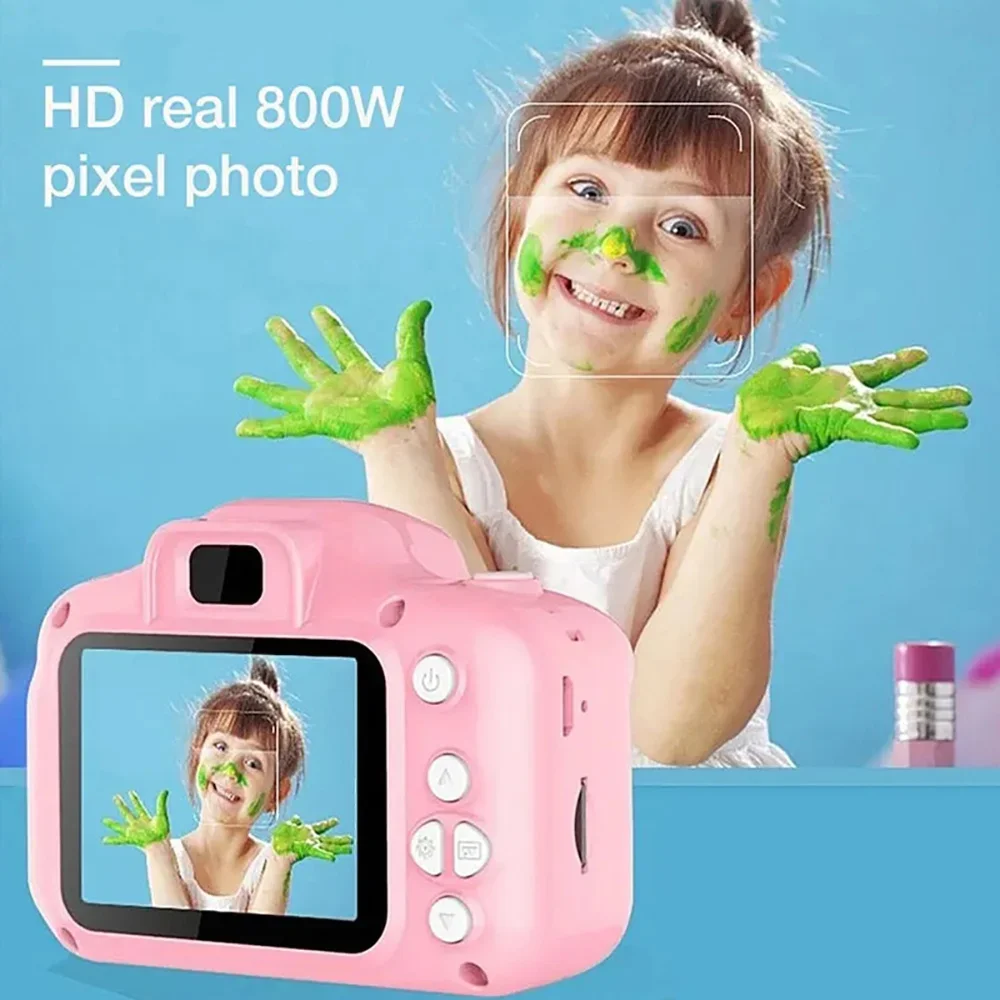
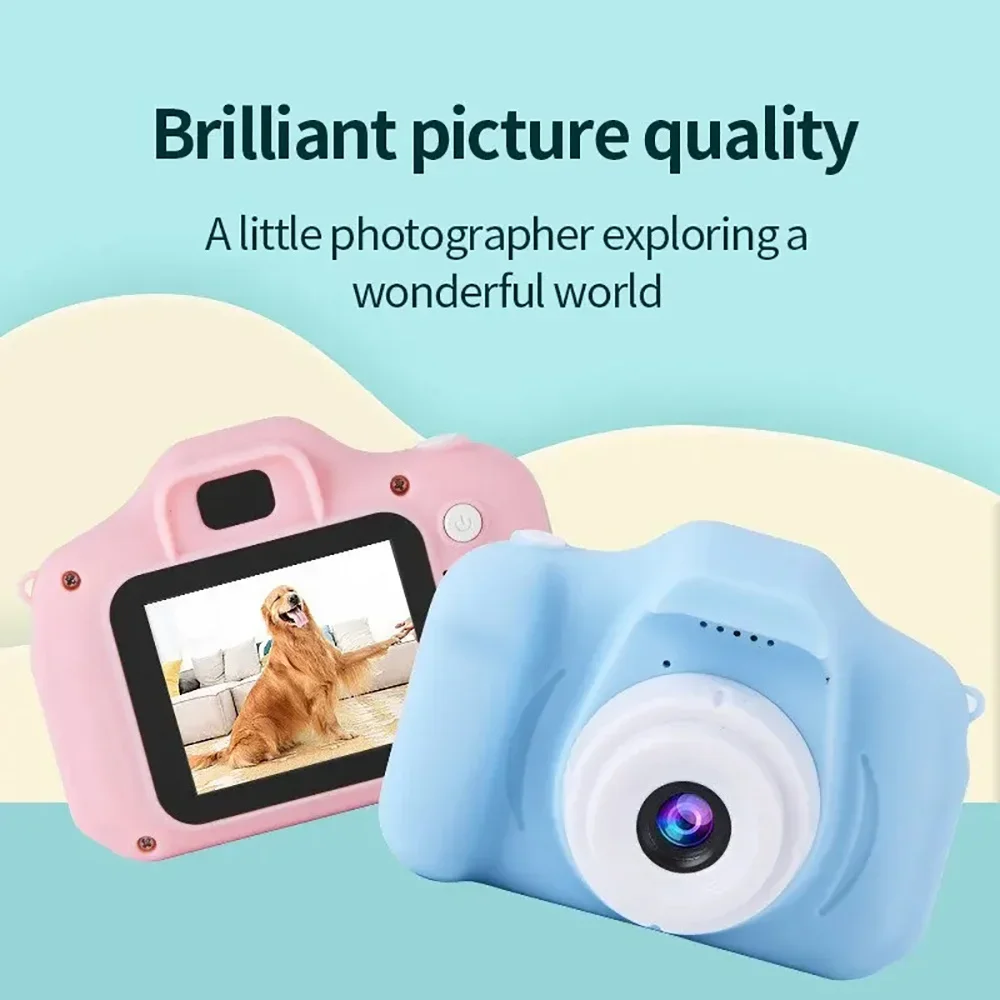
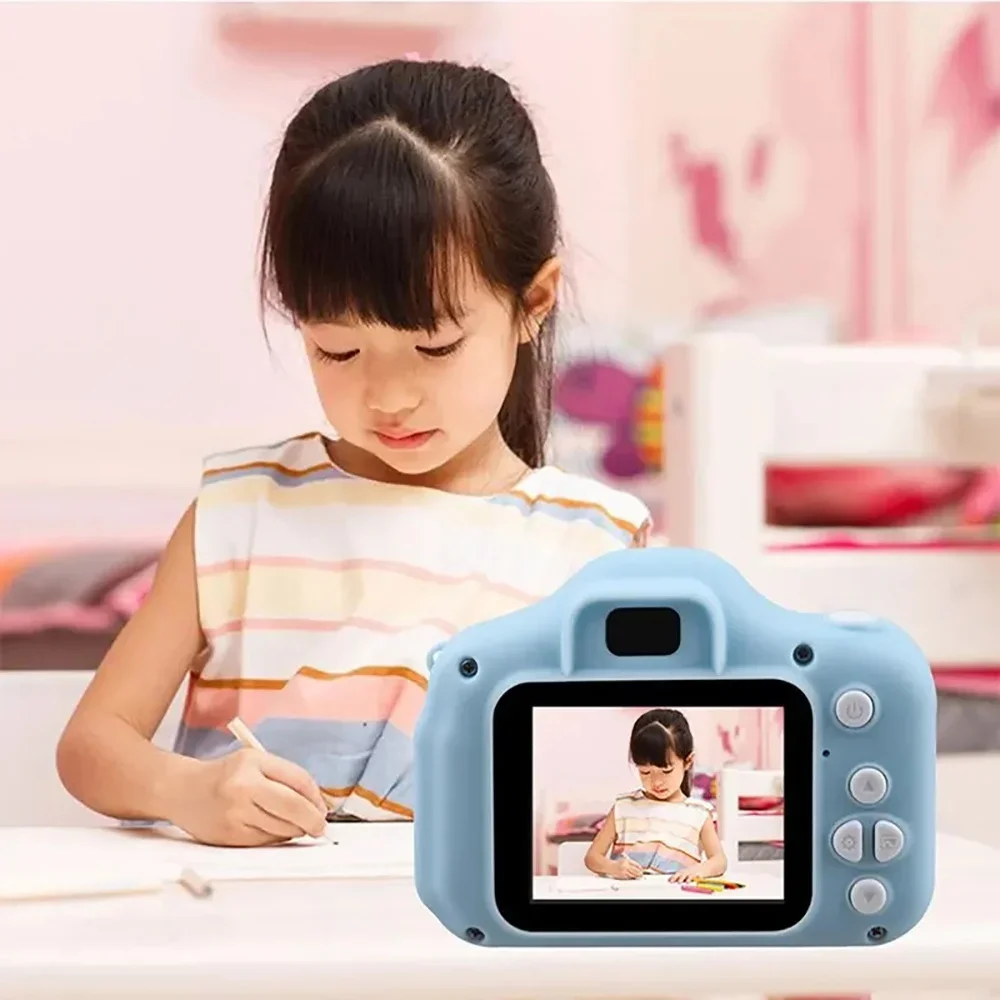
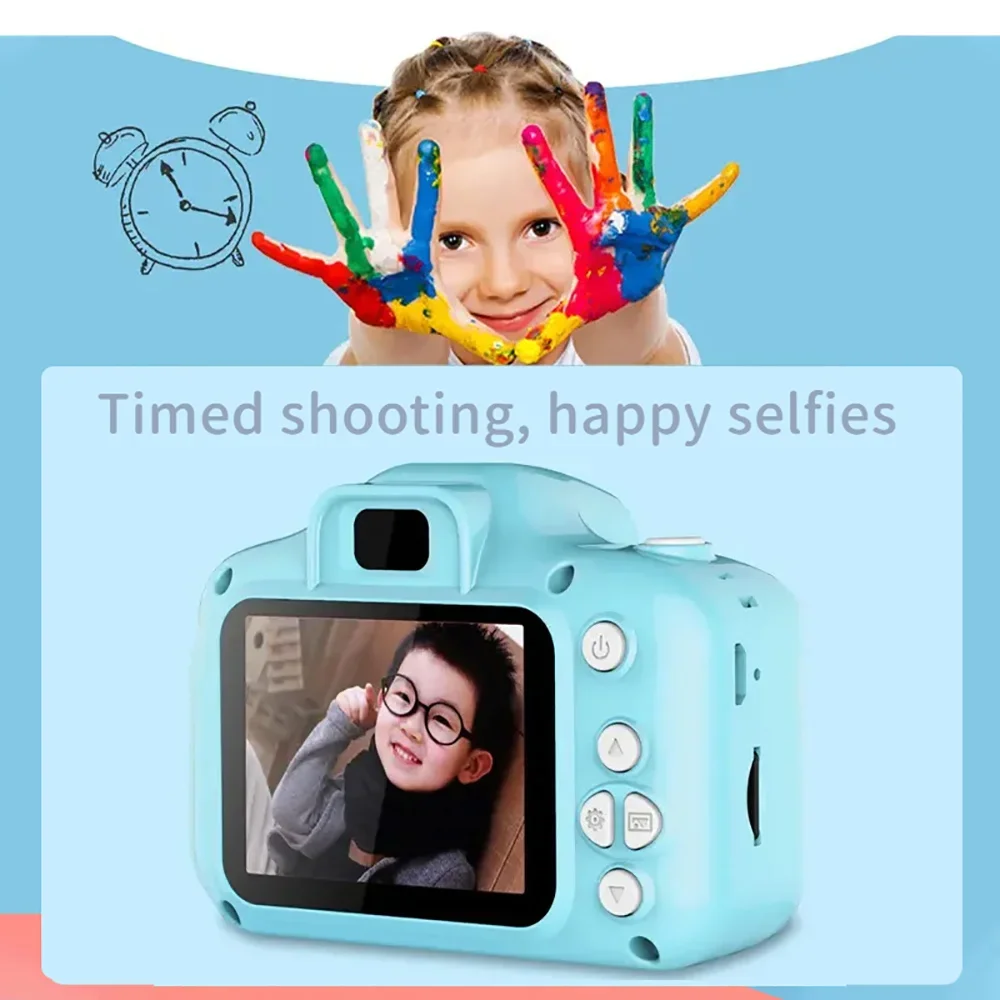
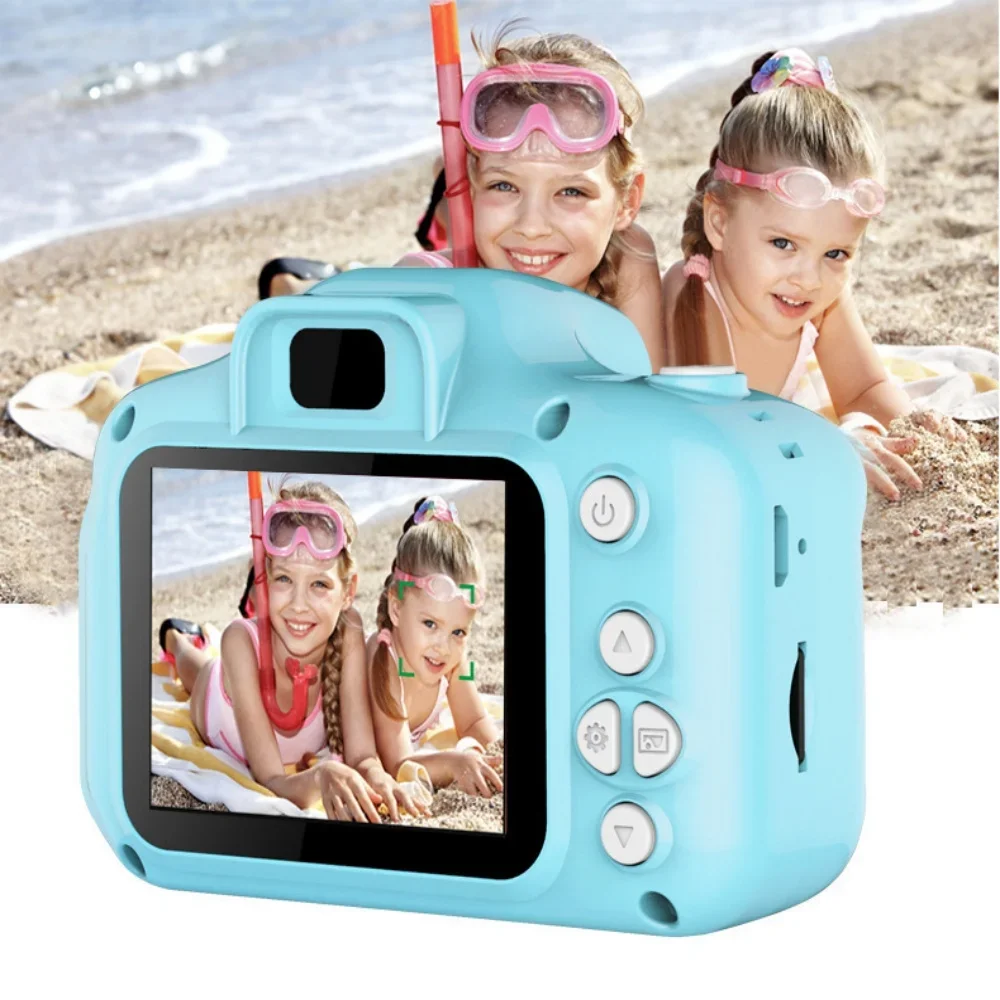
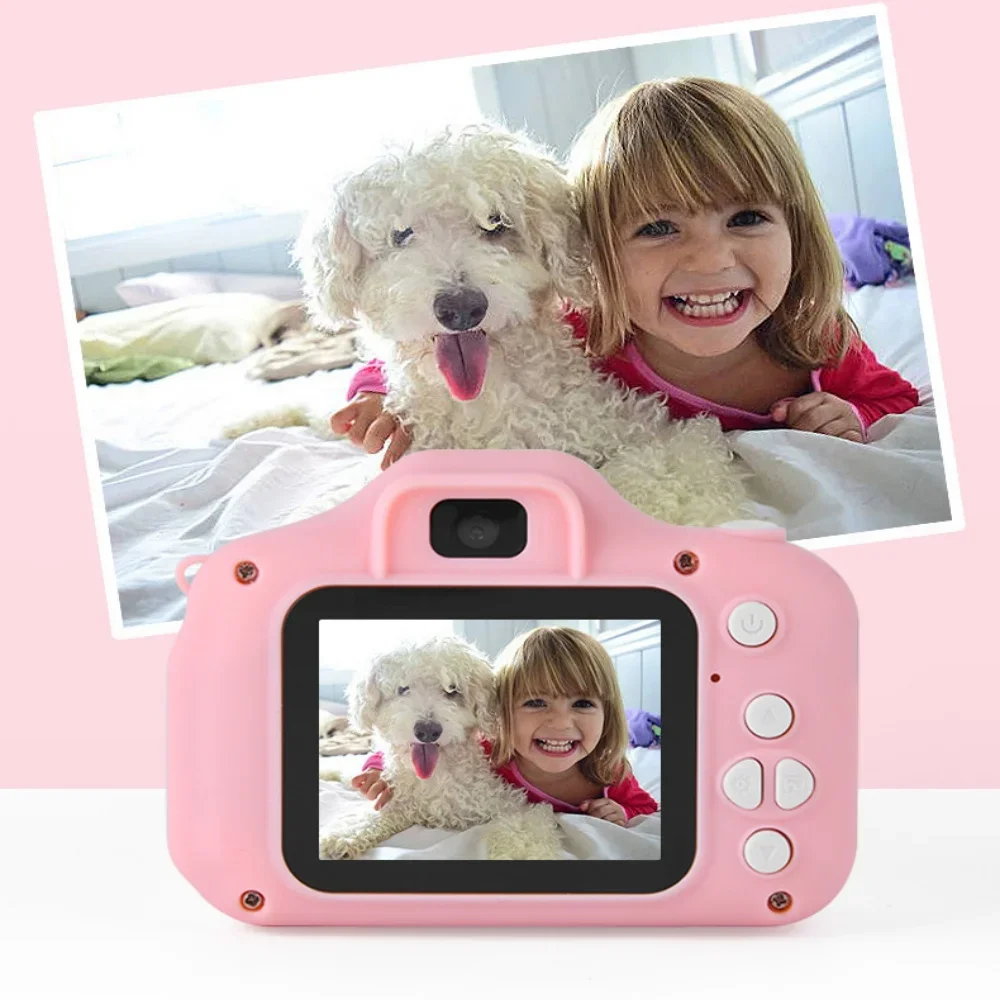
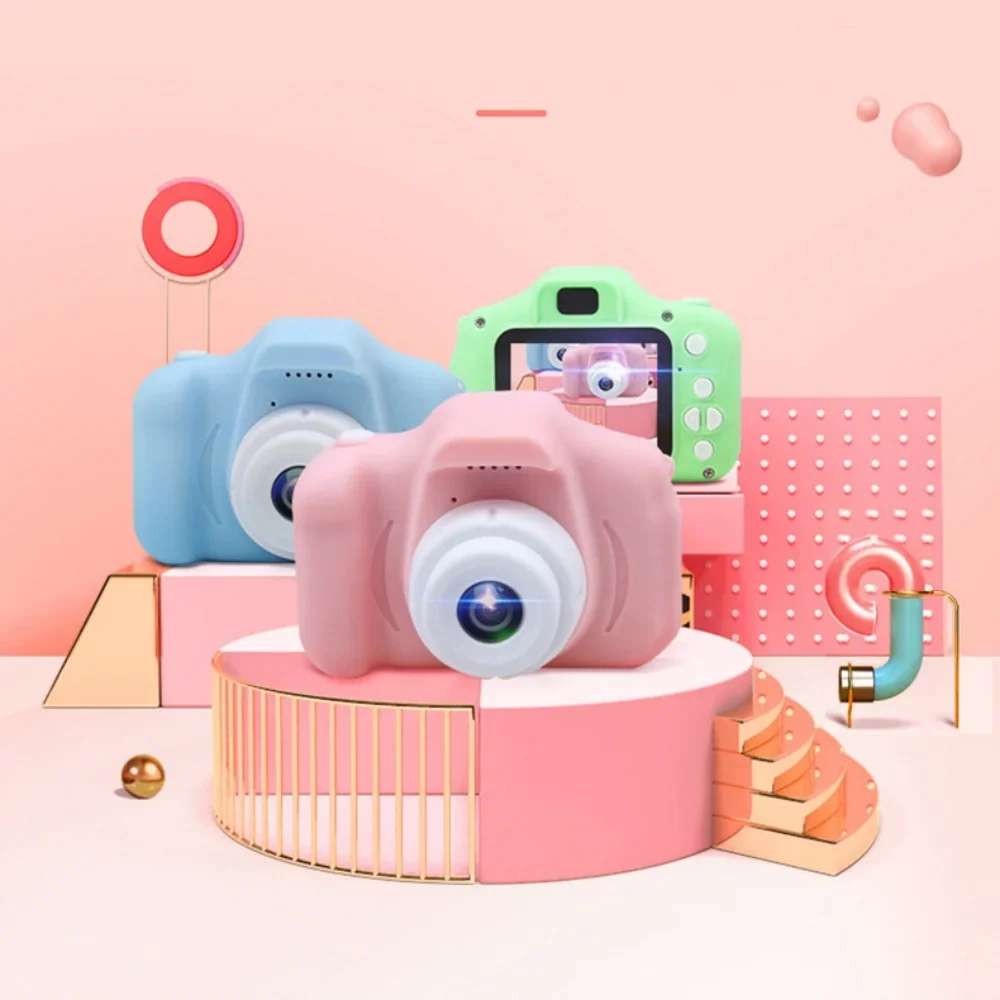
Mini Digital Camera
Description:
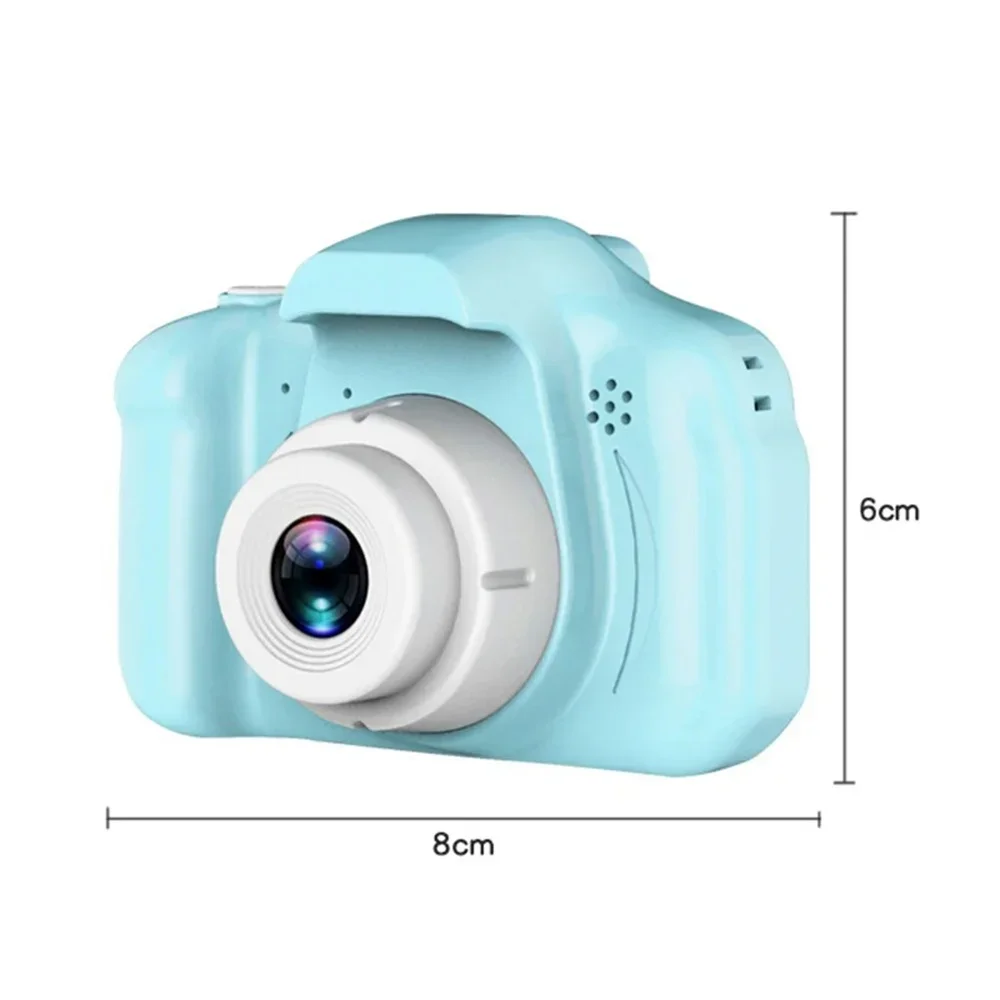
1. Camera Size: 14.00*12.00*6.00cm
2. Camera Weight: 94g
3. Camera Material: PC+Metal
Product Specification:
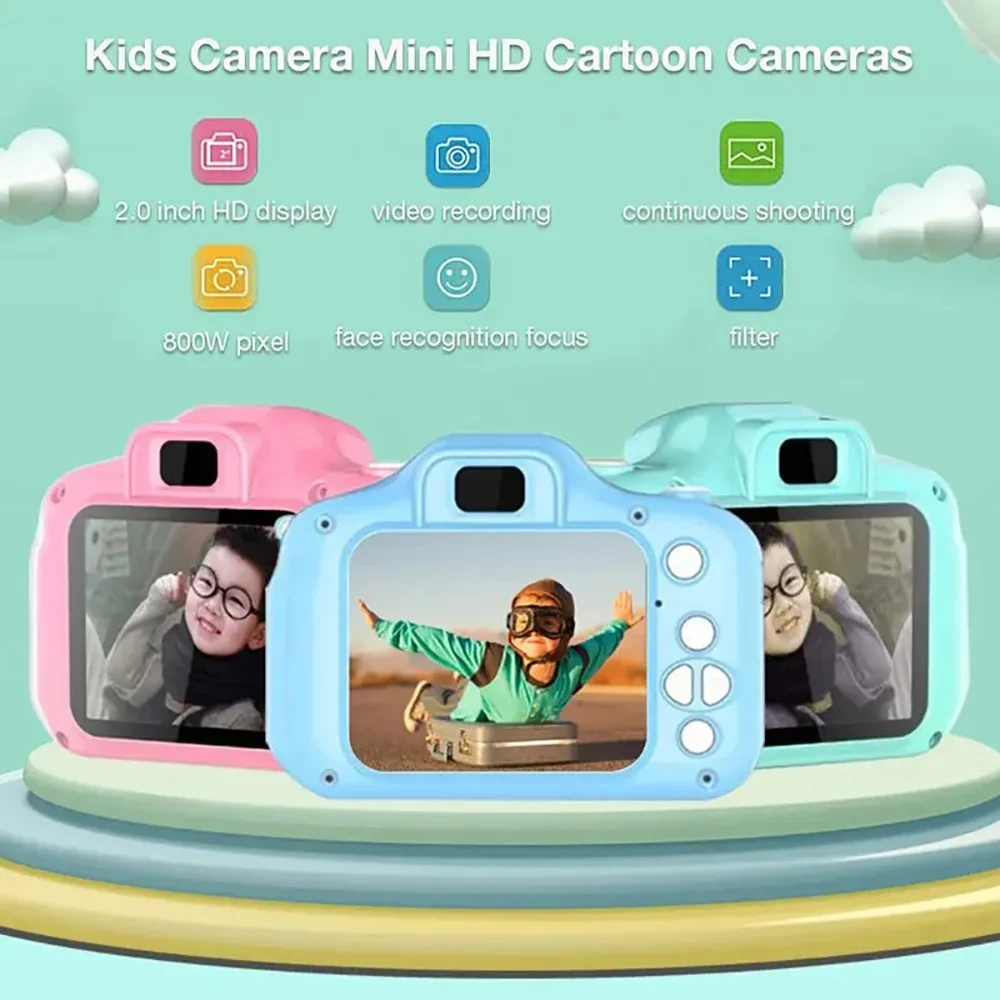
Display: 2.0 inch color display
Lens: fixed lens, 100 degree Angle
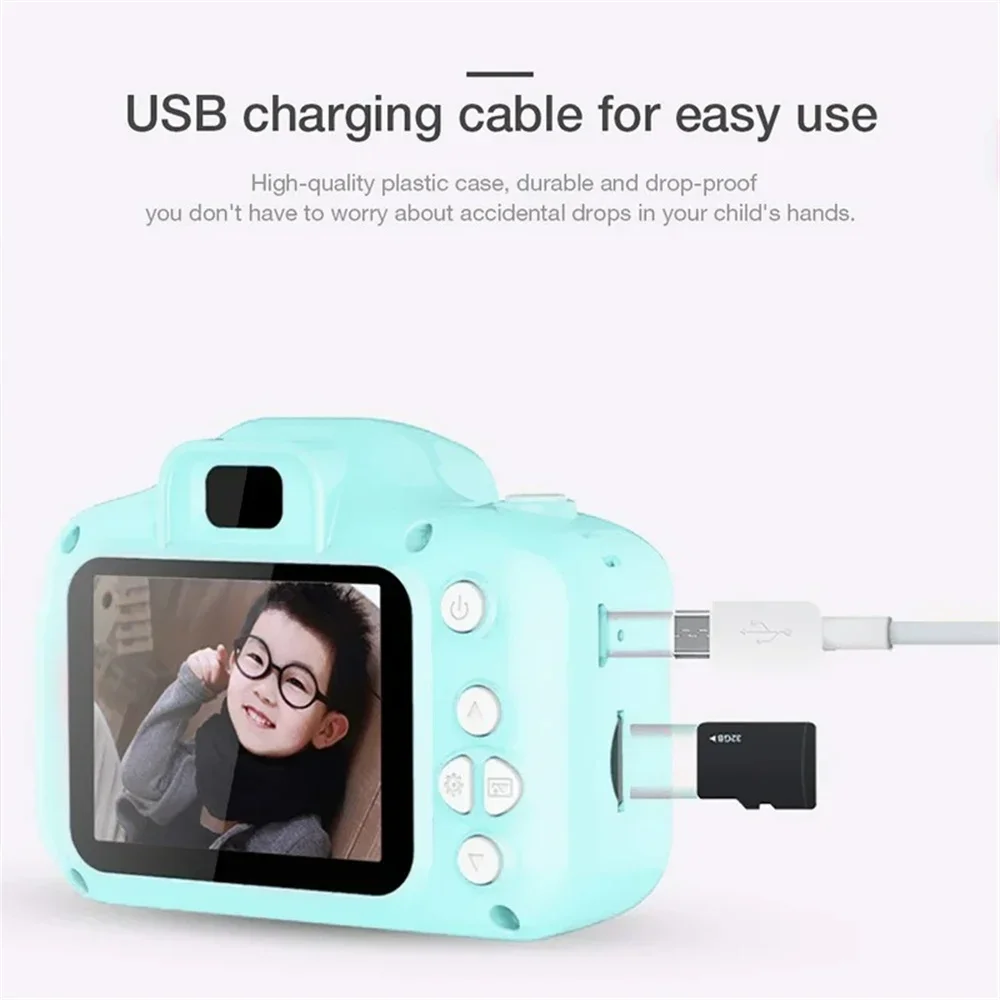
Storage media: mini sd card, maximum support 32G
Photo format: JPG
Languages: Russian, English, Chinese(simplified), Chinese(complex), Korean, Japanese, etc
Camera format: JPEG
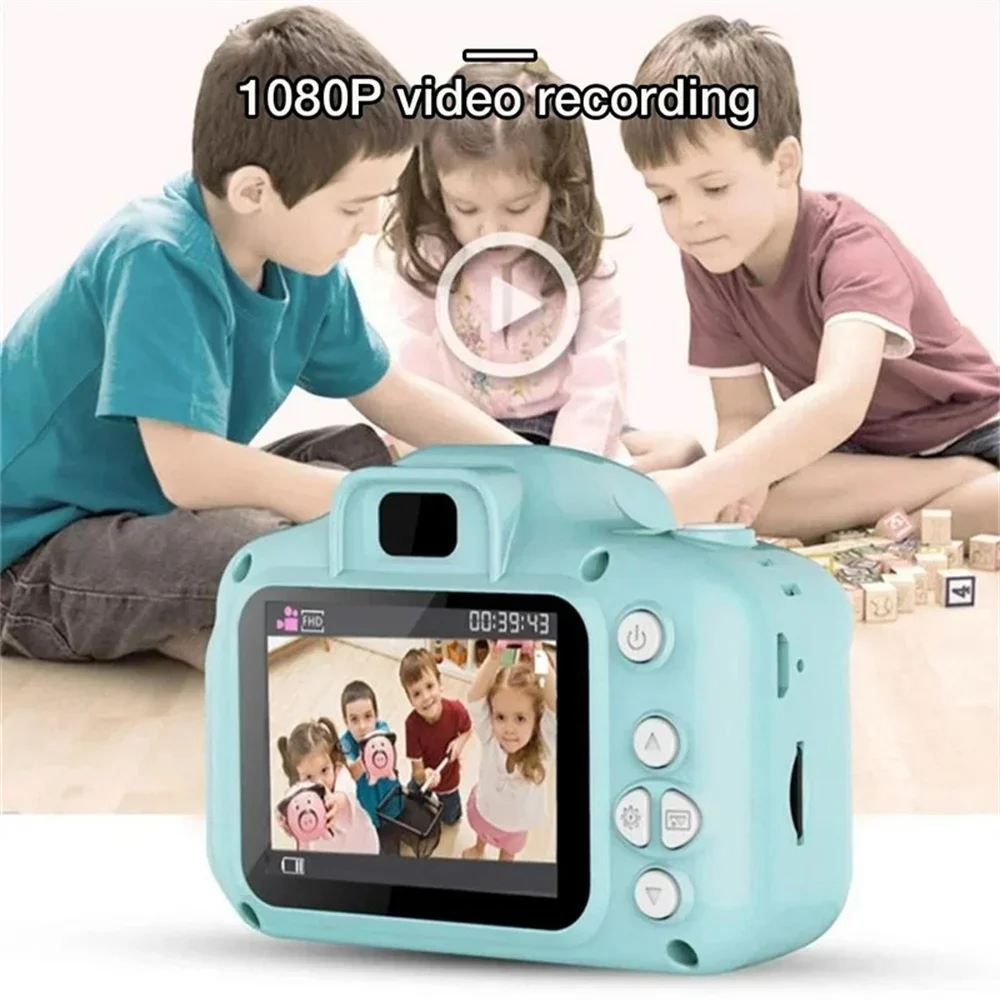
Camera resolution: 1080P:1920X1080 720P:1280X720 VGA:640X480
TFT display: 2.0-inch screen(720x320)
Instruction:
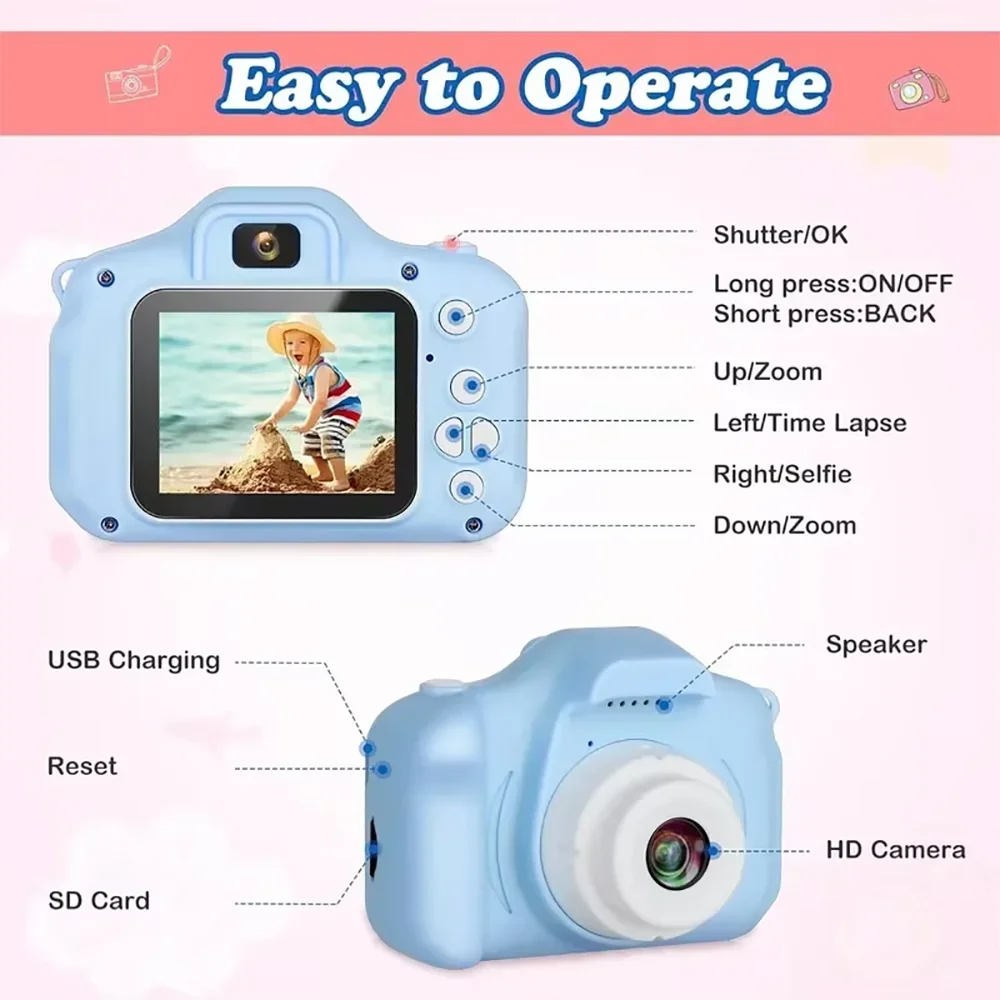
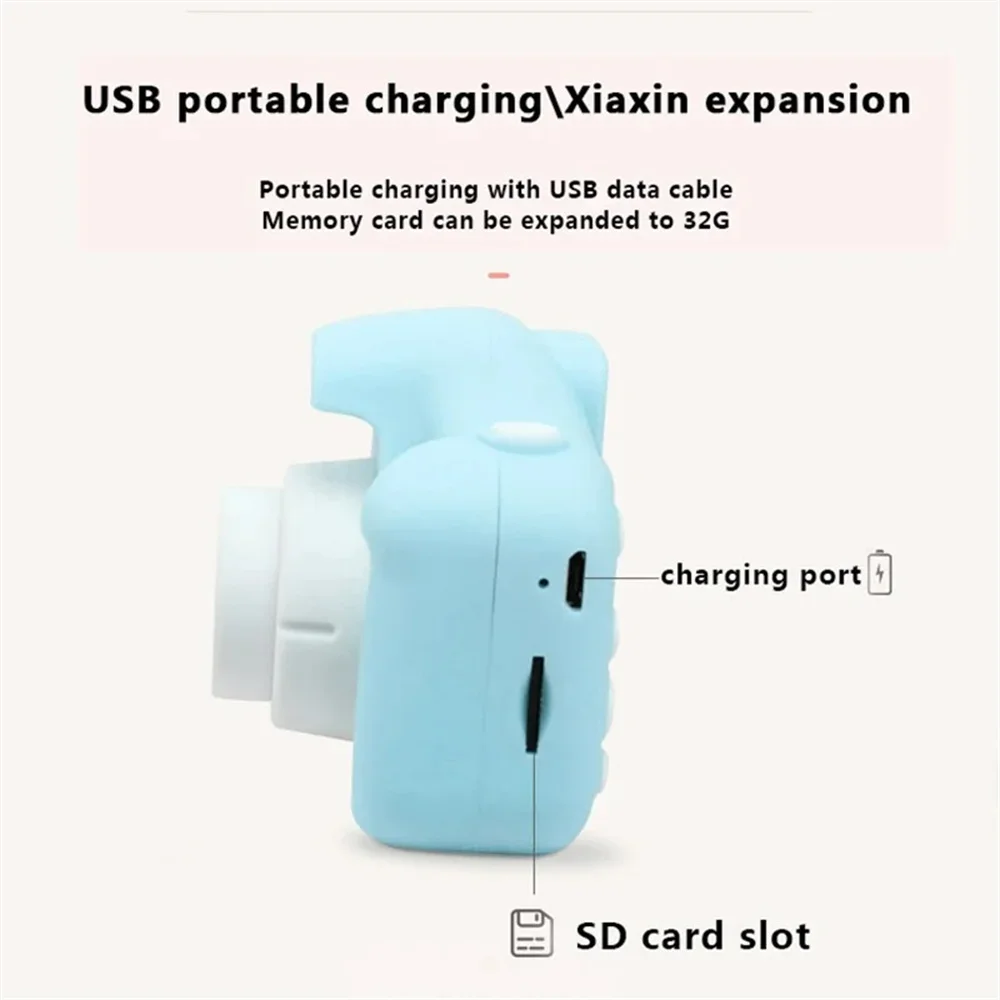
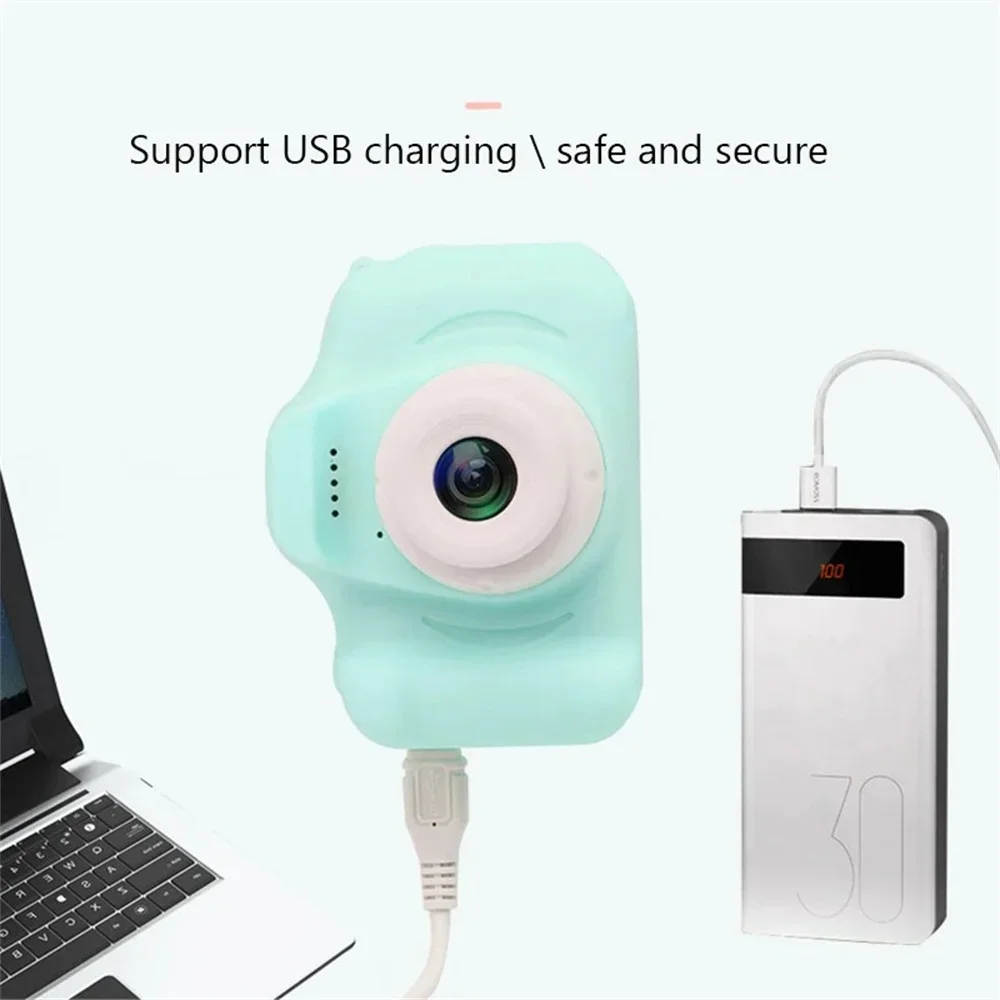
1. USB: USB data interface, used for connecting PC totransfer data; (2)for external connectionConnect the power supply to charge the battery or provideworking power supply.
2. Mode key: in standby mode, the following mode can beswitched.(2)photo mode
(3)video playback and photo browsing mode;
3. SD card slot: the slot for installing SD card
4. Speakers: play audio video or amplification of files
5. Microphone: video or audio file sound receiver;
6. Lens: view window
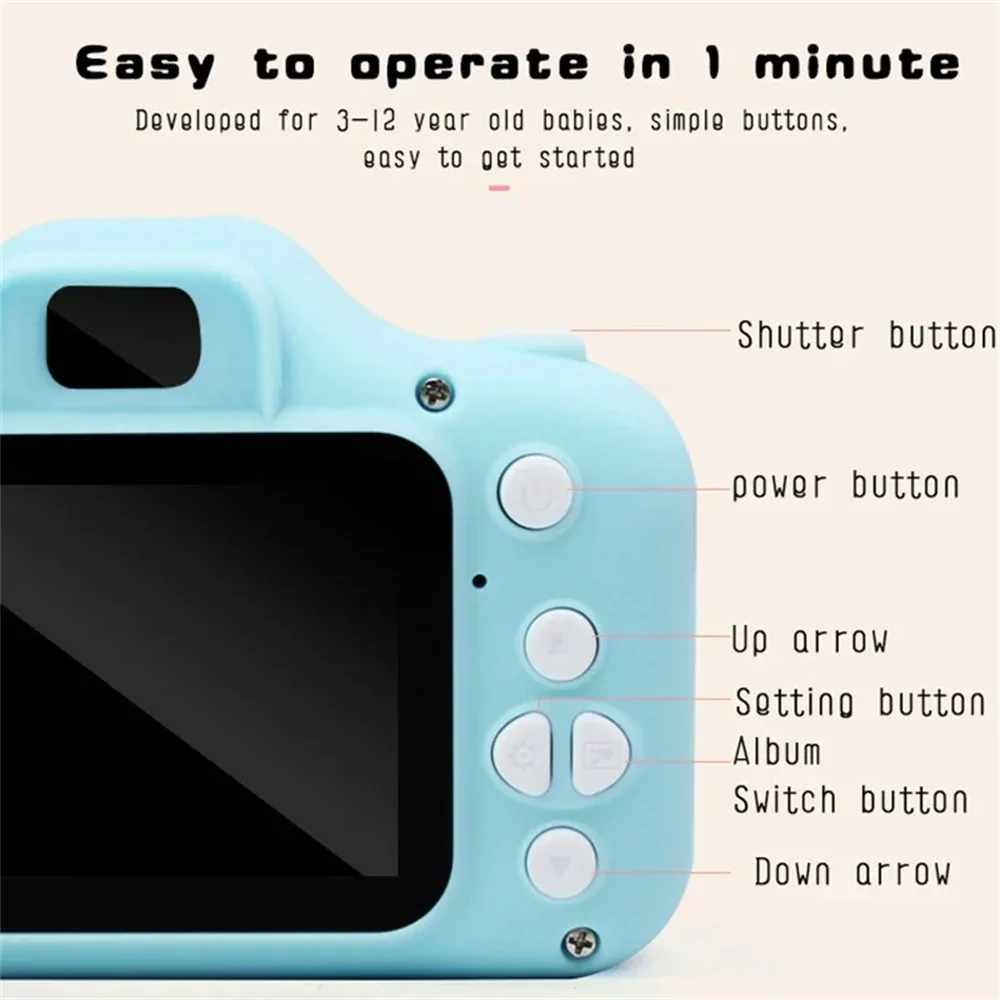
7. Power button:(2)charging indicator;
8. Video/photo button
(1)In the camera mode, press this button to start recordingand then press it again to stop recording;(2) photosIn mode, press this button to take photos. Menu mode forthe confirmation button;
9. The display
2.0-inch color display;
The menu button
Press this button to bring up the menu of function settingPress this button again to exit the function setting menu;
11. The double bond
In the menu option, select the function key downward;
12. On the pageIn the menu option, select the function key up